🚀Install Our Chrome Extension
Access all Converteasly tools faster – right from your browser toolbar.

Access all Converteasly tools faster – right from your browser toolbar.
Unescape JSON String into Object
or click to browse
Paste Your Json String.
Click On Generate Button To Unescape Json String.
Click On the Copy Button To Copy Generated Json Object.

Discover various applications and scenarios where Unescape JSON can be effectively utilized
Converteasly.com provides an unescape JSON tool that allows developers to convert these escaped special characters back to their original form. This makes the JSON string readable and usable by applications without syntax errors.
Converteasly.com's unescape JSON tool helps developers transform escaped JSON strings into a more human-readable format. This makes it easier to analyze logs and debug issues effectively.
Testing frameworks or tools may require JSON payloads in their unescaped form to validate expected responses accurately. Converteasly.com facilitates this by providing an unescape JSON tool for developers to use in testing scenarios.
Converteasly.com's unescape JSON tool ensures that JSON data retains its original format and content integrity during transformations. This prevents unintended changes due to escaping and unescaping processes, facilitating smooth data migration.
Before further processing or validation, developers can use converteasly.com's unescape JSON tool to convert user-provided JSON strings into their natural form. This ensures proper interpretation and handling by the application, enhancing user experience.
Follow these simple steps to get your work done quickly and efficiently

Upload Your File to the Server From MAC, PC, Mobile, etc.


Let the Server Go to Work. Most of the Files are Computed in a Few Seconds.

The Server will Provide a Link to Your Converted/Processed File.
Effortlessly transfer files from web to mobile with a single scan. No emails, no waiting - just instant results.

Experience professional-grade file conversion and editing tools without the complexity. No signups, no watermarks, no limits - just instant results.
Try Our Most Popular Tools:

Get answers to common questions about Converteasly. Learn how our free conversion tools work and how you can get the most out of them.
Convert files in seconds with our optimized processing engine
Your files are automatically deleted after processing
Works perfectly on all devices and browsers
Wide range of conversion tools for all your needs
The best tips and tricks on managing digital documents

Are you looking for a tool to help you work with JSON data?, you might be tired of dealing with the ...
Read More >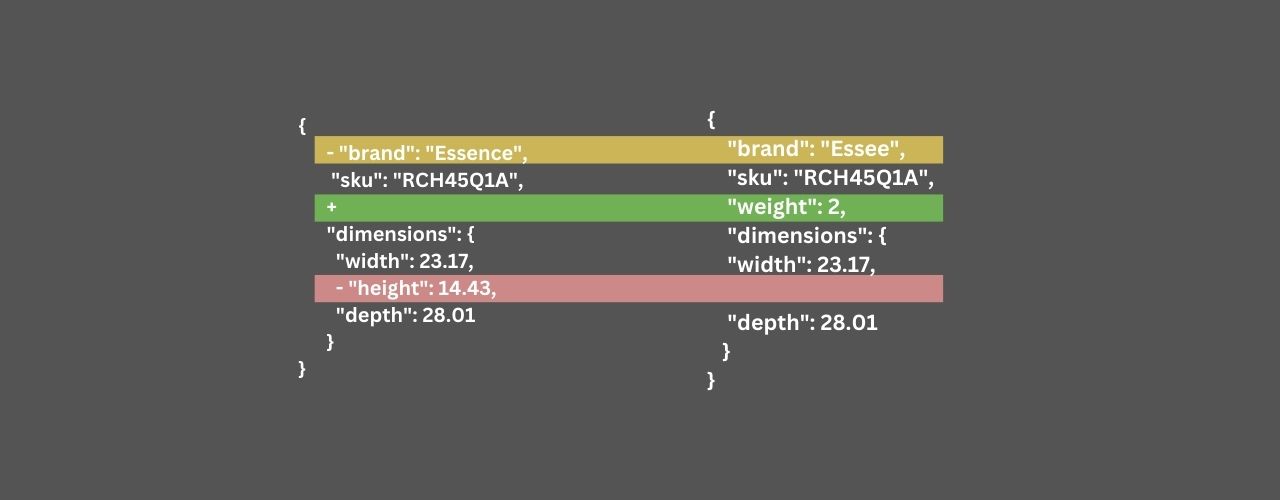
Are you getting frusted to compare two json data using online tools ? here is the solution for you.
Read More >
Dealing with JSON data often requires ensuring that the text is properly escaped to avoid errors dur...
Read More >
Are you dealing with escaped JSON that needs to be converted back to its original form?
Read More >
In some cases, when passing text data as a parameter in a URL, Base64 encoding can be used to ensure...
Read More >
Some APIs return data in Base64 encoded format, especially when dealing with binary data or non-text...
Read More >
Understanding HashSet in Java: Internal Working, HashMap Relation, and Efficiency Explained
Read More >
Learn the difference between equals() and hashCode() in Java, their relationship, and why they matte...
Read More >
Multithreading is a programming technique that enables a program to execute multiple threads or flow...
Read More >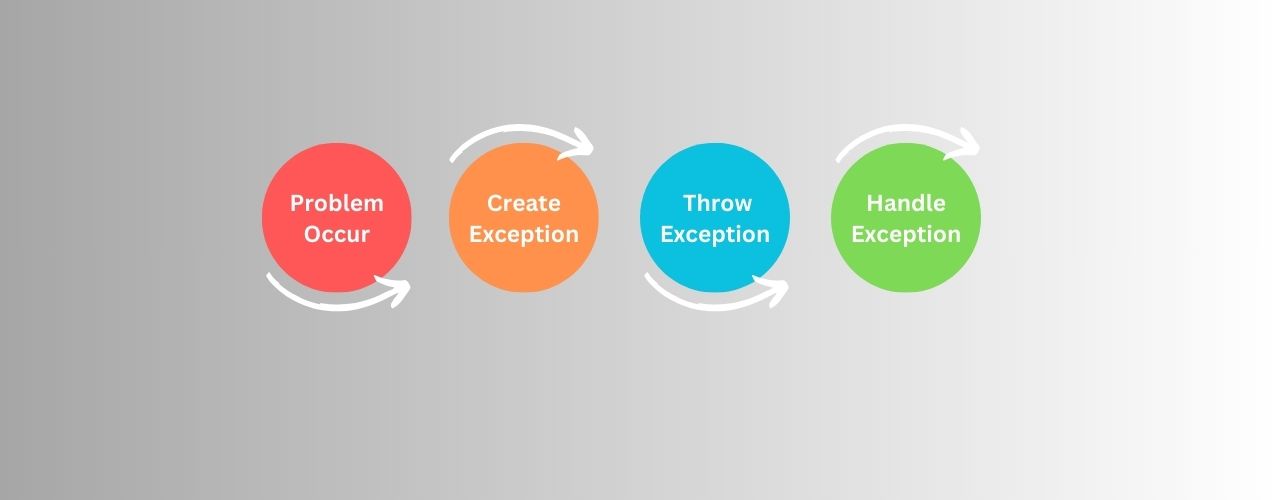
Exception handling is a programming practice used to manage errors and exceptional conditions in a c...
Read More >
Encapsulation is a fundamental principle in object-oriented programming (OOP) where the internal sta...
Read More >
Let's dive into the concept of inheritance more deeply with a lots of examples
Read More >
© 2025 converteasly.com - Made with love 💕 for the people of the internet.